🚀 Create Viral Memes That Get 10x More Engagement! ✨
Upload your own image or choose a trending template, add customizable text, drag it anywhere, and download your finished meme instantly. 100% free. No login required.
🔮 HOW MEMENOISE WORKS

⚡ STEP 1: CHOOSE YOUR CANVAS
Select from our quantum-curated image library or upload your own masterpiece! 📸

🎯 STEP 2: CRAFT YOUR MESSAGE
Deploy your wit with our advanced text engine - resize, style, and perfect your viral message! ✍️

🌟 STEP 3: LAUNCH TO FAME
Download your creation and watch it spread across the digital universe! 🚀
🔍 Explore our quantum image database from Pixabay & Pexels, or choose from our viral collection:
⚡ Pro Tip: Some external images may have CORS restrictions. If download doesn't work after clicking an image, please:
1. Right-click the image → "Save image as..."
2. Then use "Choose File" button to upload it
This ensures your meme downloads properly! 📥✨
📱 Mobile: Touch and hold the desired image, then select "Download."
💻 Desktop: Right-click on the image and choose "Save image as...".
⬆️ Upload: Once downloaded, upload to our meme creator below.
📏 Pro Tip: Use 1:1 aspect ratio (1080x1080) for optimal viral potential!
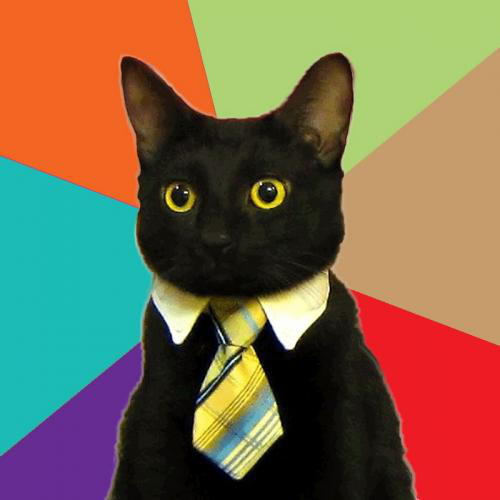


Images are sourced from Pixabay and Pexels under their respective licenses. Some images may recommend attribution; please check the source for details.
🌟 SHARING IS CARING!
Help us spread the word about memenoise.netlify.app 📢🤝
🔥 47,892+ memes created | ⚡ Join the viral revolution!